
SiteFusion for Windows
Everything you manage, in one desktop app.
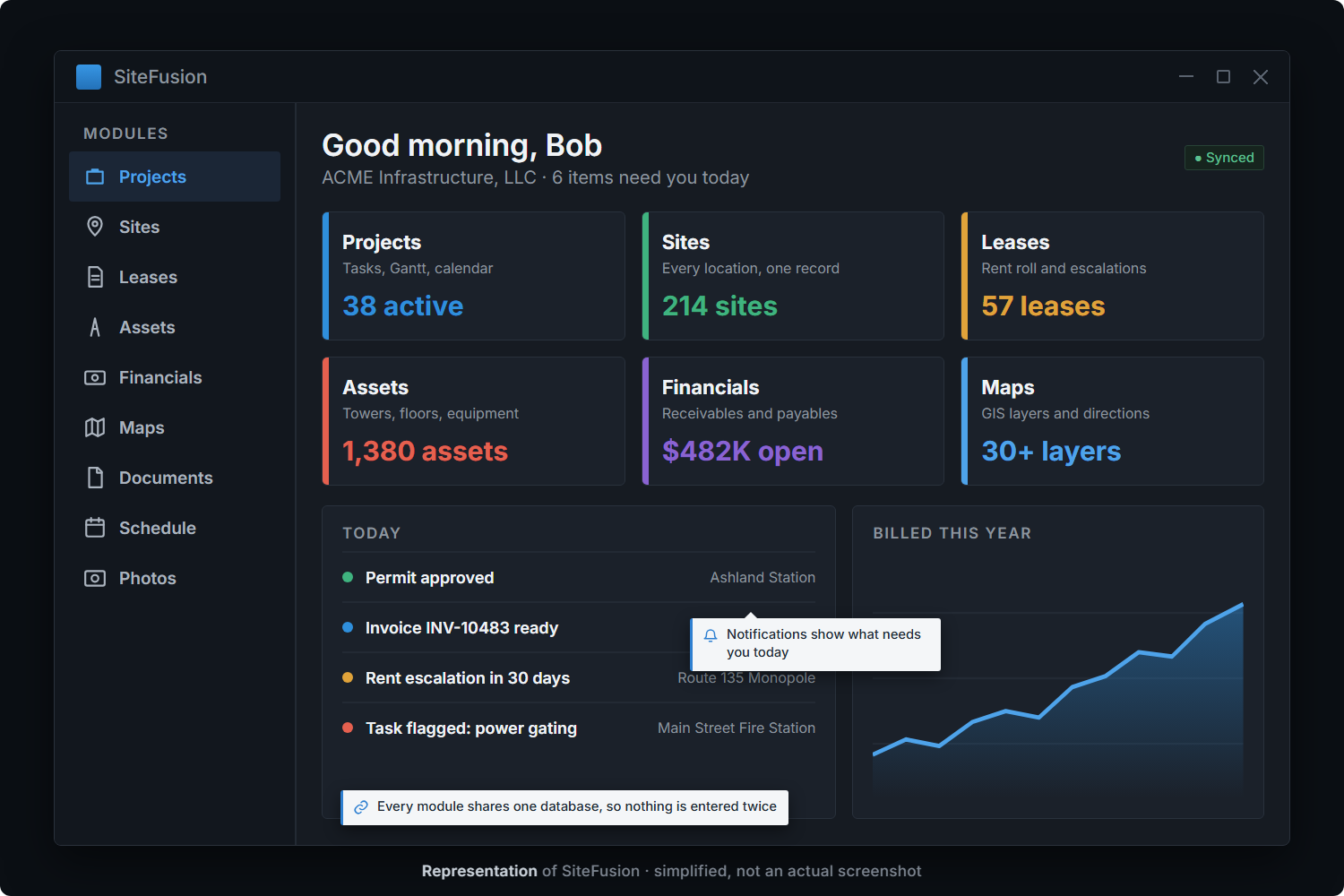
Projects, sites, leases, assets, financials, documents and maps, connected in a single Windows application. Download it, install it, and create your company account at the login screen.
Already using SiteFusion?
Update
Windows 11 Latest release 4.011.0061 78.81 MB
Download information
- Operating system Windows 11
- File size 78.81 MB
- Latest release 4.011.0061
- Released 2026-11-18 08:02:49 am (CST)
Updates and pre-release
Existing installs update with a single download. Run it and SiteFusion picks up where you left off.
- Pre-release Not available
Updates and pre-releases require an existing SiteFusion install.
Desktop power
- Direct file access: drag documents into the screen and SiteFusion matches them to the right record.
- Document automation: produce Word and Excel documents and reports straight from your records.
- Built for large data: load, filter and analyze large sets of sites, leases and assets at native speed.
Up And Running In Minutes
No Setup For Your IT Team
01
Download and install
Run SiteFusion_Setup.exe on any Windows 11 computer
02
Create your account
Create a new company account right at the login screen
03
Take it to the field
Crews sign in to SiteFusion Mobile with your company ID and their email