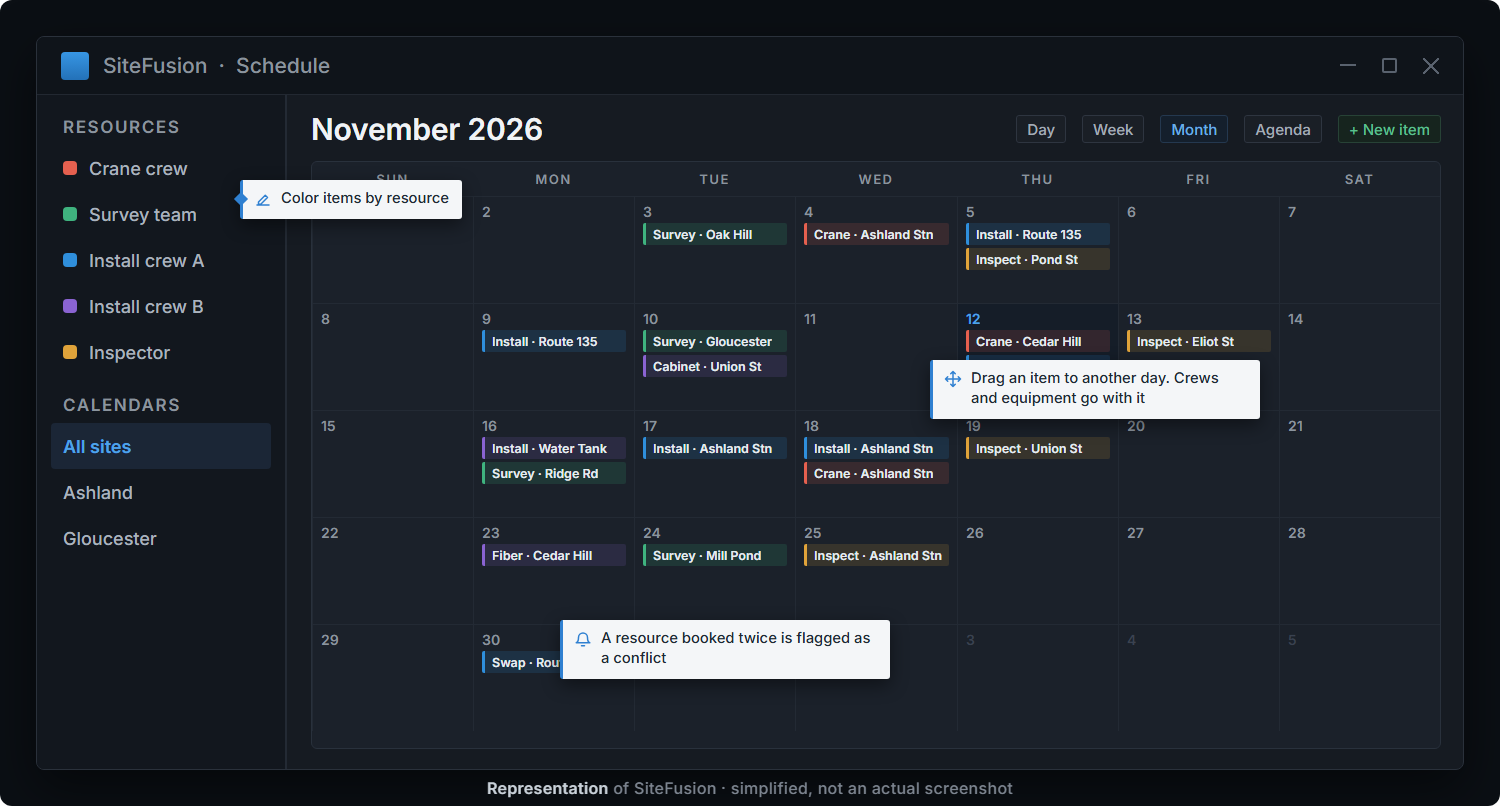
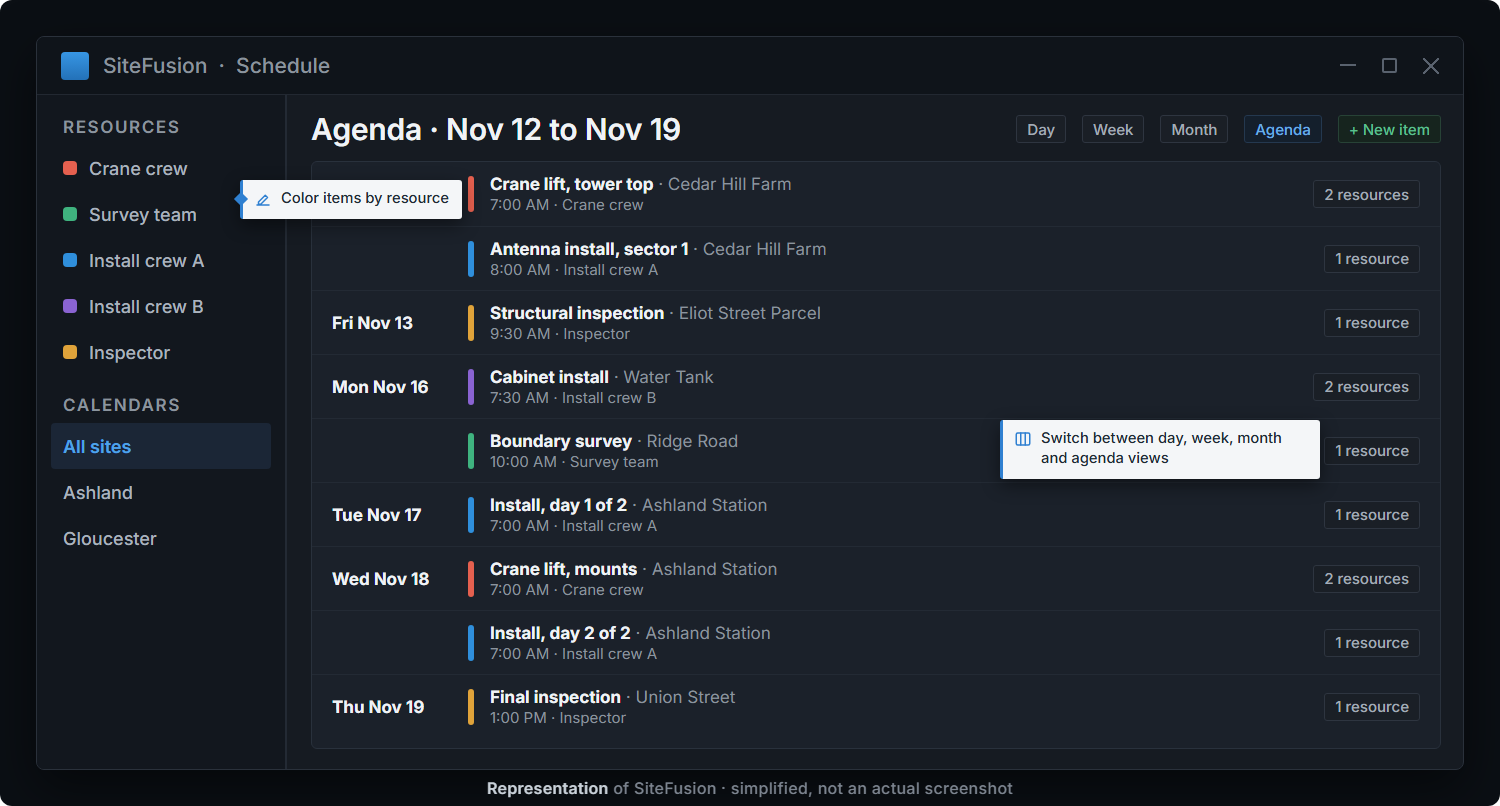
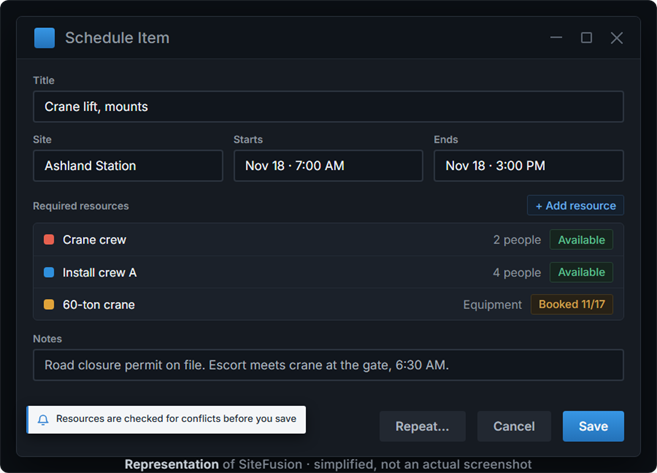
The SiteFusion scheduler keeps crews, equipment and outside contractors on one shared calendar, tied directly to the projects and sites they support. Instead of tracking assignments in a separate spreadsheet or calendar, each schedule item carries its project, location and required resources with it.
Your Own Resource List
Build a list of the resources you schedule, organized as people, equipment, machines or contractors. Resources can be linked to the companies and contacts already in SiteFusion, and assigned to one or more markets so each team only sees what applies to them. Retired resources are kept out of the way without losing their history.
Linked To Projects And Sites
Every schedule item can reference a project or site, so the address, customer and project details are one click away. A navigation tree lets you browse scheduled work by location (country, state, city) or by customer and project group.
Recurring Work
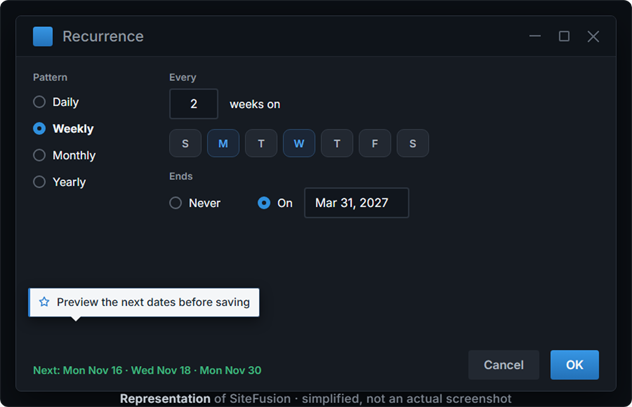
Set up daily, weekly, monthly or yearly recurrences for routine visits, inspections and maintenance. Recurrences can run every weekday, end after a set number of occurrences, end on a date, or continue with no end date.
Controlled Access
Scheduling is an optional feature that can be turned on for your account. Separate permissions control who can edit schedule items and who can manage resources, and those permissions follow your market structure.